Document Scan
Anything with dates. Contracts, syllabi, subscription screens, insurance notices, forwarded emails.
Upload a contract, invoice, syllabus, insurance notice, or screenshot of your Apple Subscriptions page. TermCal identifies every key date: payment deadlines, renewal windows, and milestone targets. It presents them as reviewable commitments. You confirm. Your calendar handles the rest.
from: billing@ixdf.org
Also accepts: DOCX, XLSX, PPTX, images, or forward an email to your TermCal address.
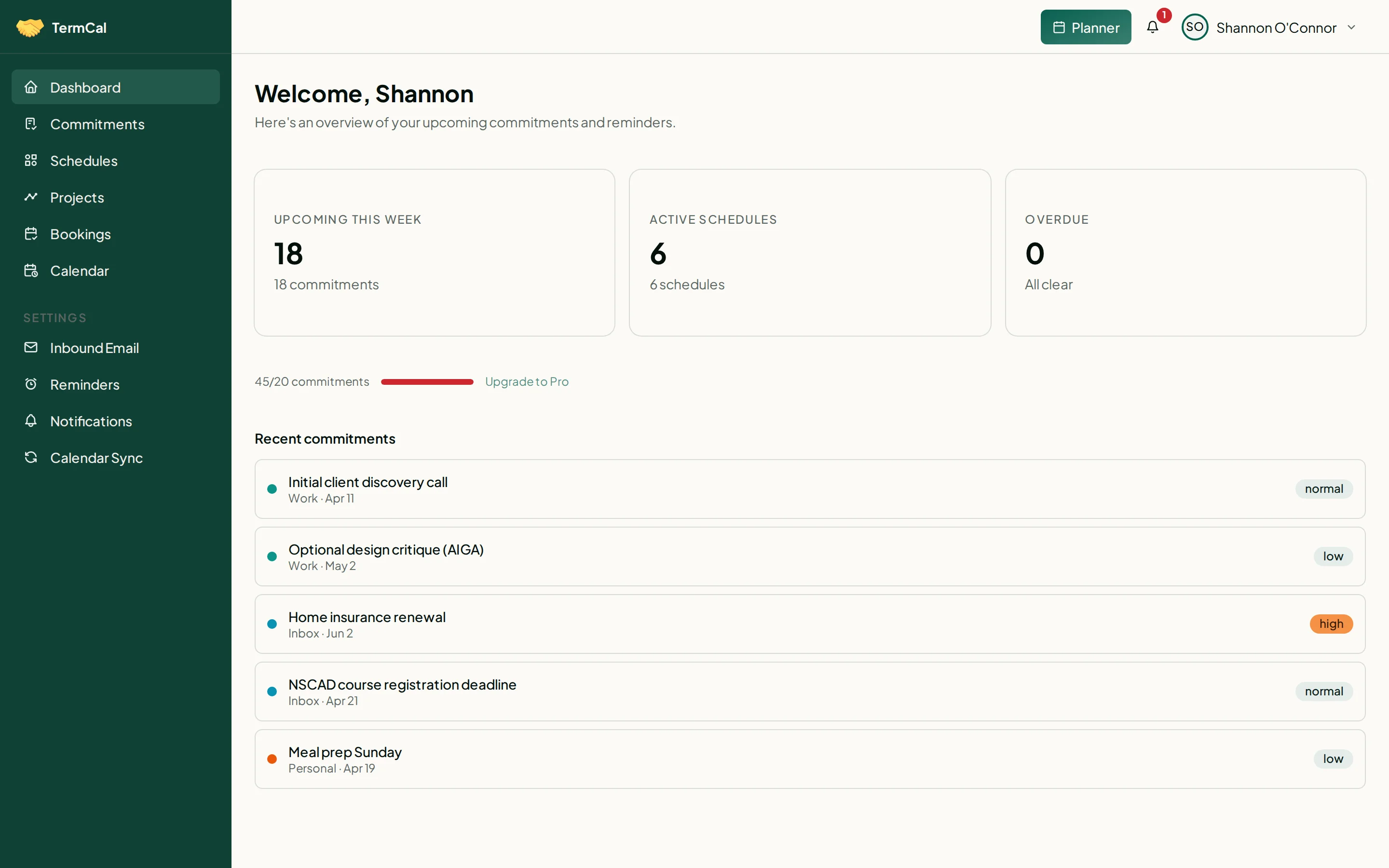
Upload PDFs, DOCX, images, or forward emails. Every date surfaces for review.
Reads documents and images
PDF, DOCX, images (screenshots, photos of paper documents), and forwarded emails. TermCal reads each format and surfaces dates in a consistent, structured form regardless of how the original was laid out.
You confirm before anything is saved
Extracted commitments are proposals, not automatic entries. Review, edit, or discard each one before they enter your calendar. Once confirmed, the original document is discarded. TermCal never stores your files.
Works without a third-party calendar
TermCal provides a read-only ICS feed you can subscribe to from any calendar app. No Google or Outlook account required to extract documents, book commitments, or receive reminders.
Reminders on every confirmed commitment
Each confirmed commitment generates reminders dispatched days or weeks ahead. For commitments that require real effort, set a time budget and TermCal schedules work sessions backwards from the deadline.