Never Miss a Deadline Again
From Document to Deadline
Upload a PDF, Word doc, spreadsheet, or presentation. TermCal finds the important dates and builds them into your schedule. Review the dates, approve them, and they sync directly to your calendar via a feed.
- PDF, Word, Excel, PowerPoint—most formats supported
- Contracts, invoices, leases, certificates, policies
- Sync to your calendar via universal feed
- Works with any calendar app
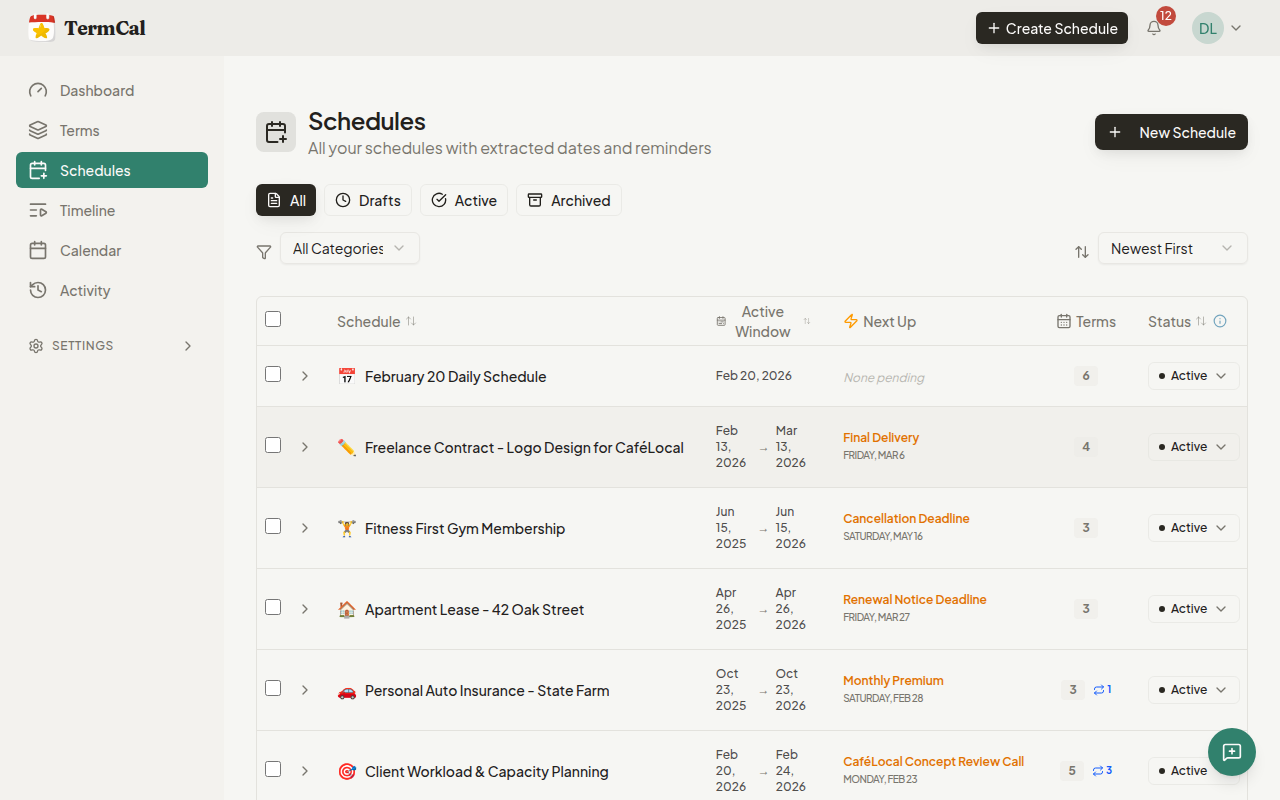
Quick Schedule: Text to Calendar
Don't have a document? Just describe your commitments in plain language. "Weekly team standup Monday 9am. Rent due on the 1st. Insurance renewal March 15." TermCal extracts dates and recurring patterns, then creates reminders automatically.
- Natural language input—no forms or templates
- Complex patterns understood: "first Tuesday of each month"
- Edit, add, or remove any extracted date before saving
- Available on all plans—Solo, Pro, and Team
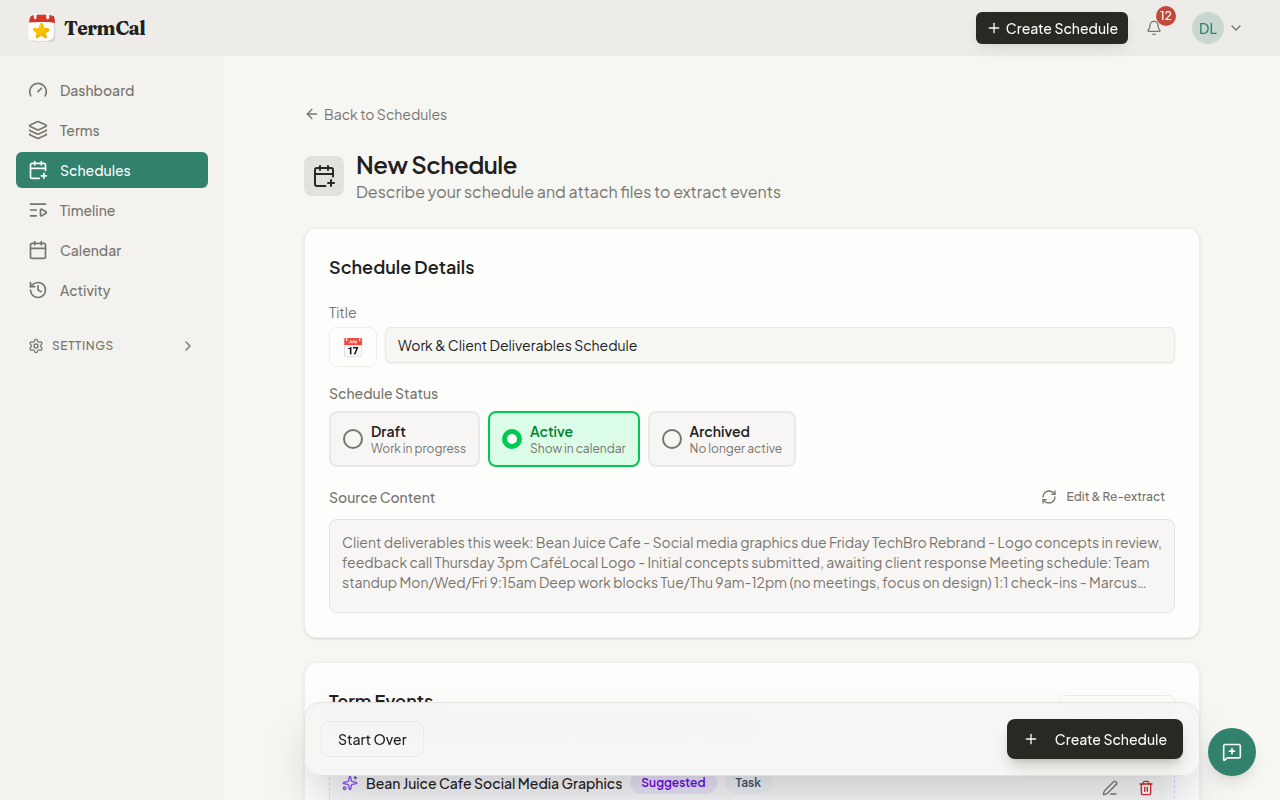
Plays Nicely With Your Calendar
TermCal sits alongside your calendar—not a replacement. We feed your existing calendars (Apple, Google, Outlook, or any app) with your tracked deadlines. Your calendar stays in sync automatically.
- Universal compatibility: works with any calendar app
- Deadlines appear as native events alongside meetings
- Your calendar app handles notifications
- No lock-in—export or disconnect anytime
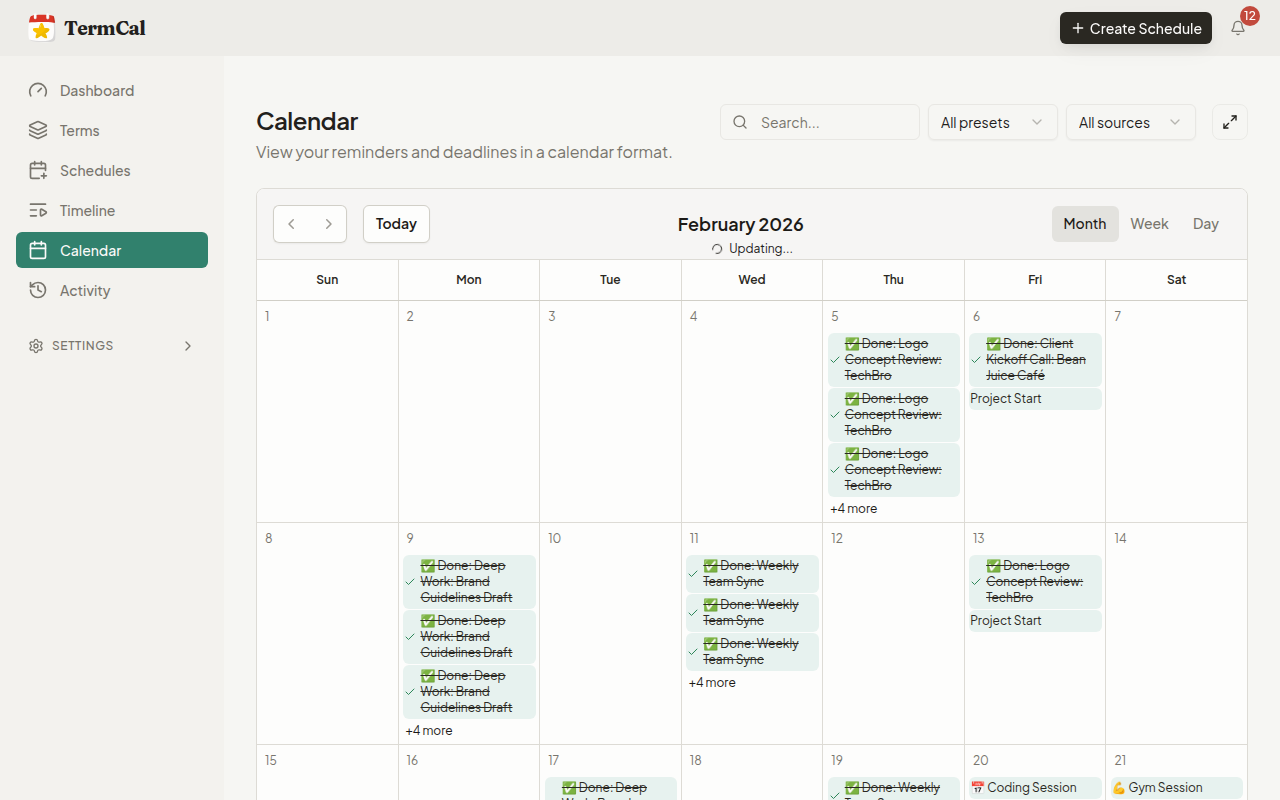
Document Data Stays Private
Business documents contain sensitive information. We host everything on infrastructure in Canada and Europe—never on US cloud giants subject to foreign data requests.
- Hosted in Canada & Europe (not US cloud giants)
- Never used to train AI models
- GDPR-compliant by default
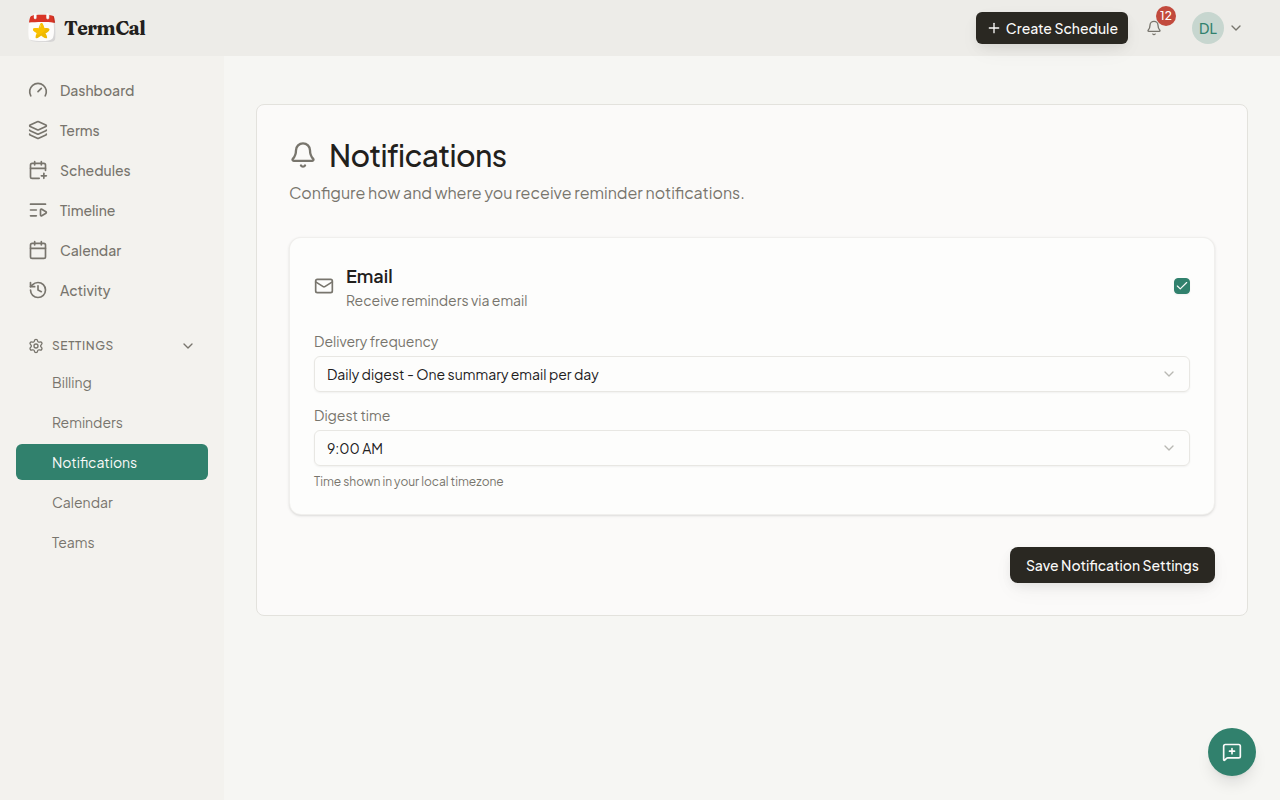
Review Before Committing
TermCal extracts dates from documents and presents them for review. Verify the information before it syncs to the calendar. Edit, add, or remove dates—no surprises, only what's actually in the source.
- Review extracted dates before they sync to your calendar
- Edit any date or add ones we missed
- See the exact text from your document for context
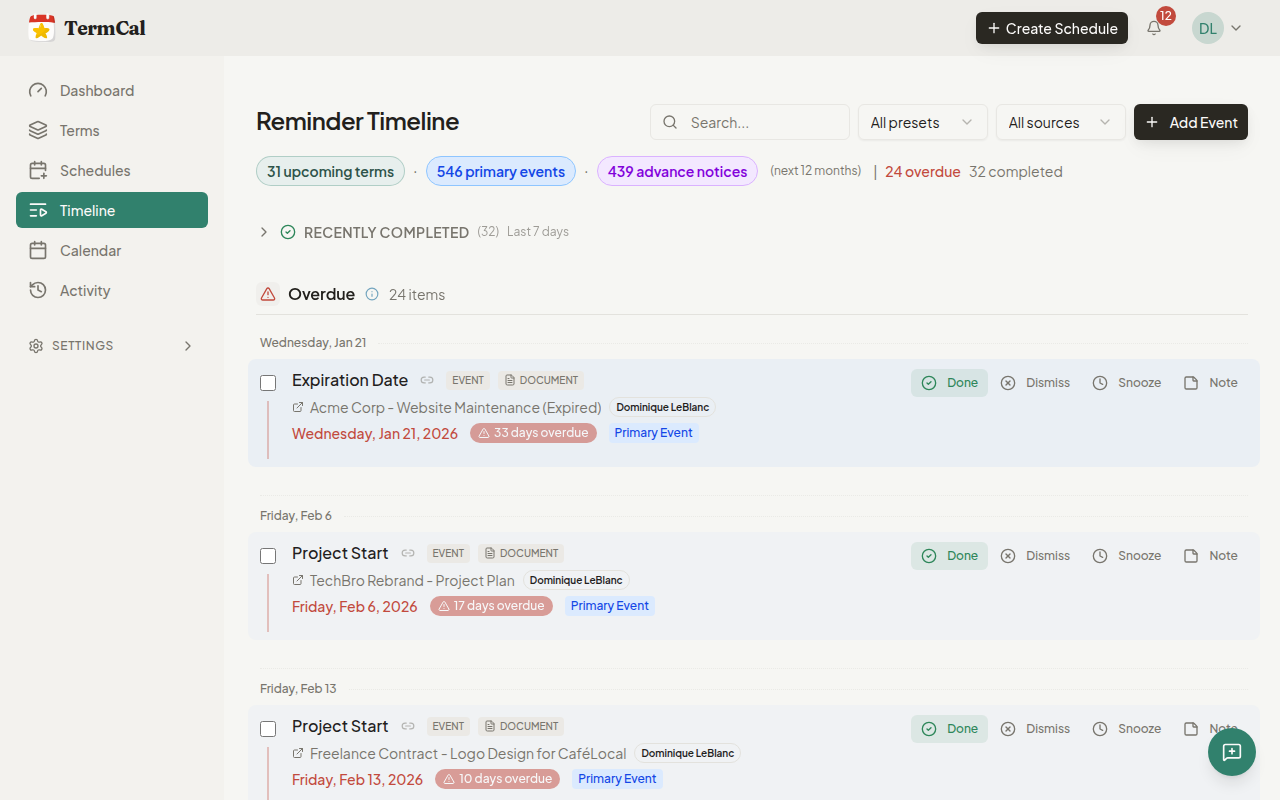
See Your Full Schedule at a Glance
The timeline view shows all your deadlines organised by urgency: overdue items need attention, today's tasks, this week, and upcoming. Never lose track of what's important.
- Overdue items highlighted for immediate attention
- See today, this week, and upcoming at a glance
- Filter by document or schedule type
Share with Clients and Stakeholders—Free
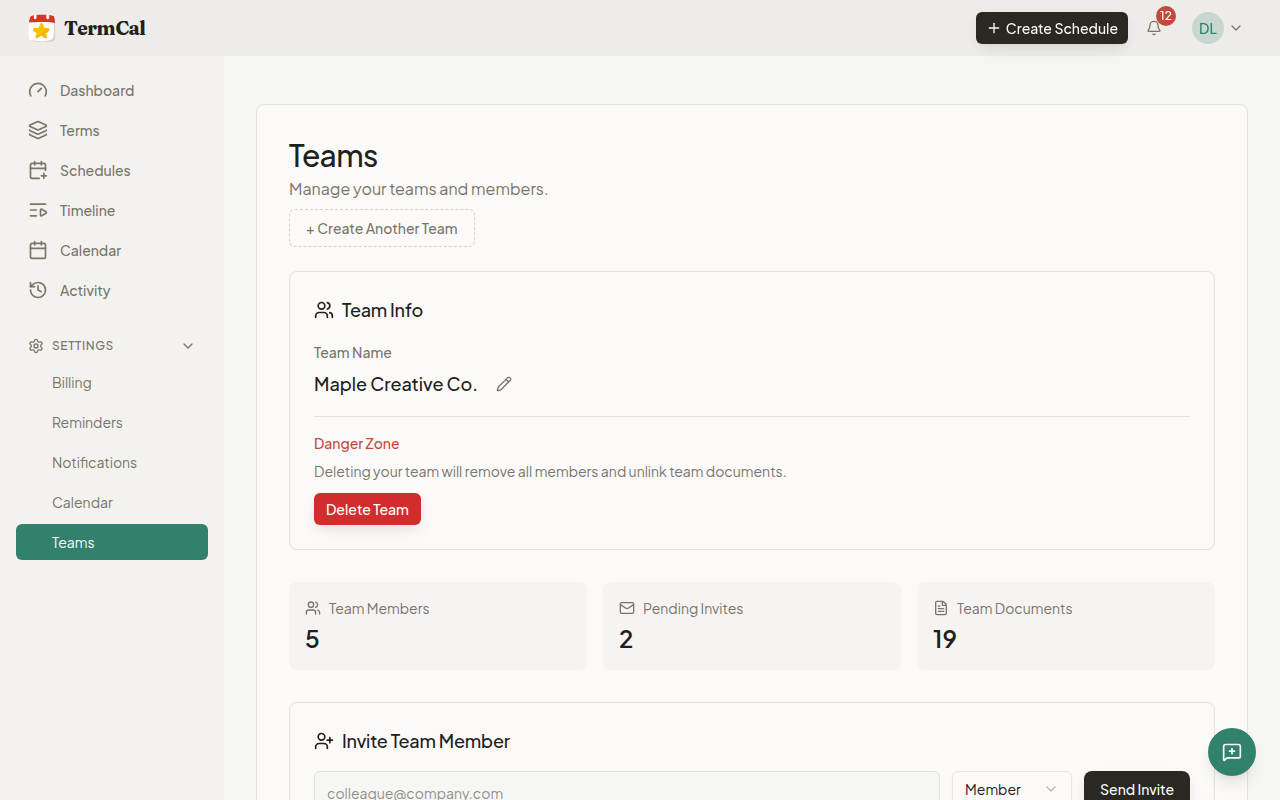
Invite clients, vendors, or partners to view relevant shared schedules and calendars directly. Viewer seats are unlimited and free on all plans. No per-seat charges for people who just need visibility.
- Unlimited viewer seats included on all plans
- Clients see deadlines without editing access
- No extra cost for stakeholder visibility
Track Recurring Payments and Obligations
Subscription renewals, quarterly compliance reviews, annual reports—TermCal handles recurring dates automatically. Set it once and get reminded forever.
- Track ongoing payment schedules
- Recurring compliance deadlines
- Subscription auto-renewal notices
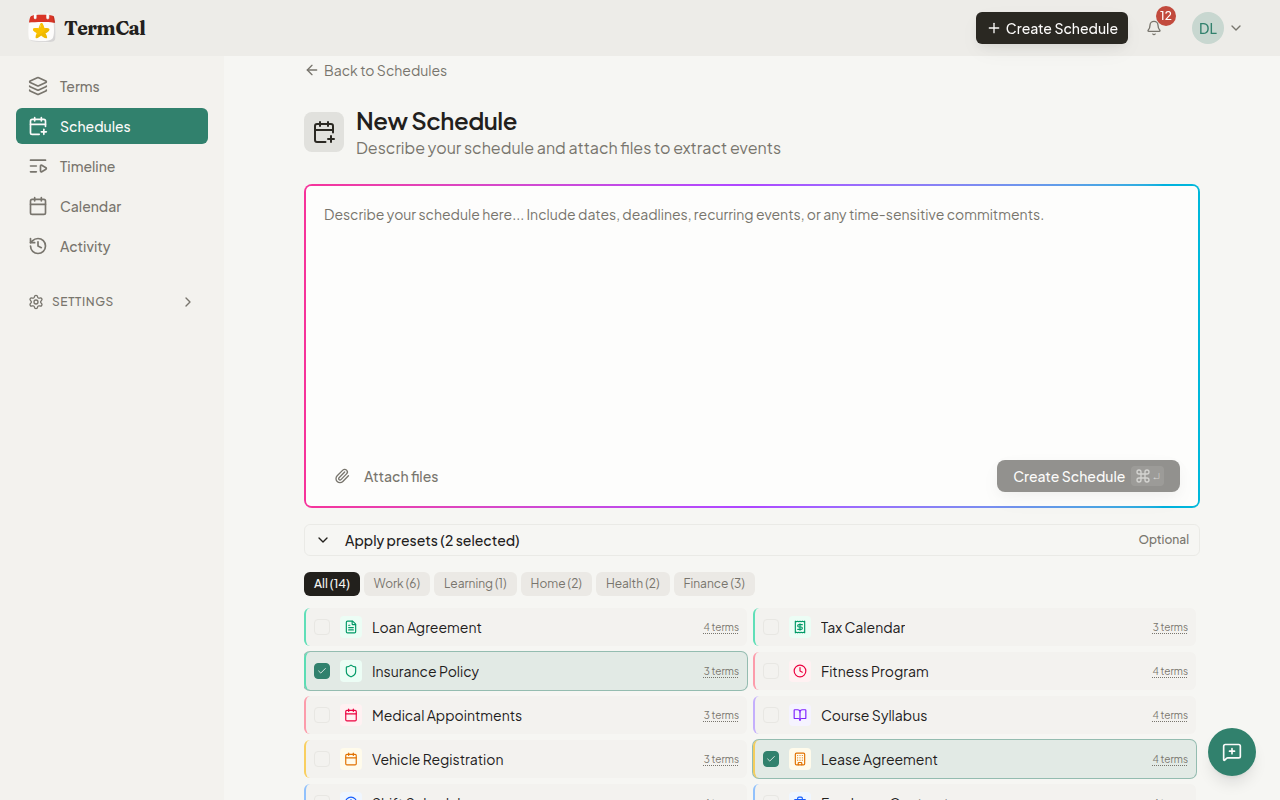
Term Presets: Start Extracting Immediately
Choose from ready-to-use presets covering work, home, health, and finance. MSA, NDA, lease agreements, insurance policies, tax calendars—start tracking common document types without any setup. Pro users can customize or create their own.
- Preset library covering work, home, health, and finance
- Work: MSA, SOW, NDA, Freelance Contract
- Home & Finance: Lease, Insurance, Tax Calendar
Syncs to Your Calendar
Subscribe to your TermCal feed in Apple Calendar, Google Calendar, Outlook, or any standards-compliant app.


Move from reactive to proactive.
Calendar on your terms.